
How it works
Download
QRsha is available on Google Play and the App Store. Scan the code with your phone or tap it to open the store.
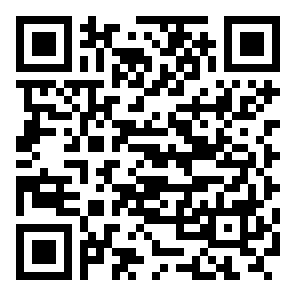 Google Play
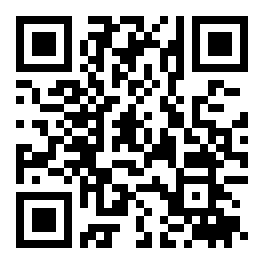 App Store
Share
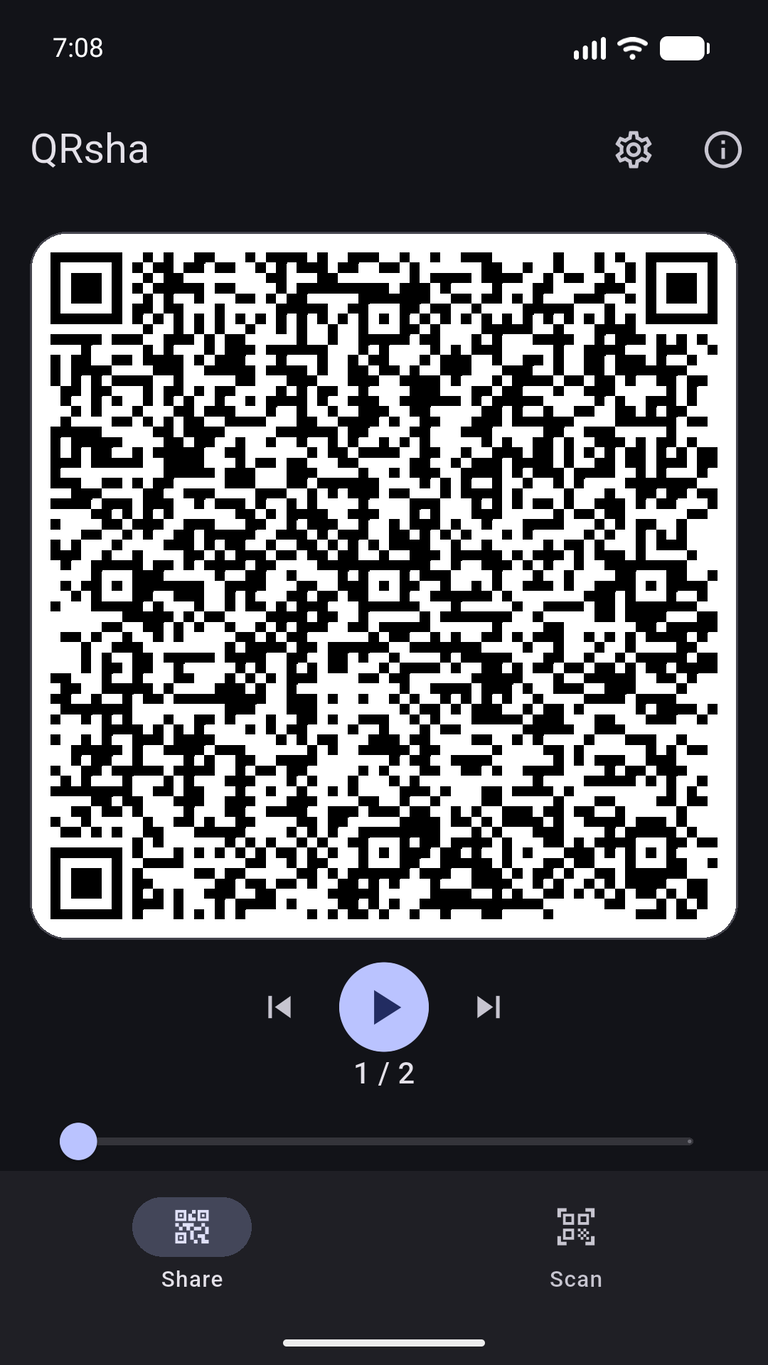
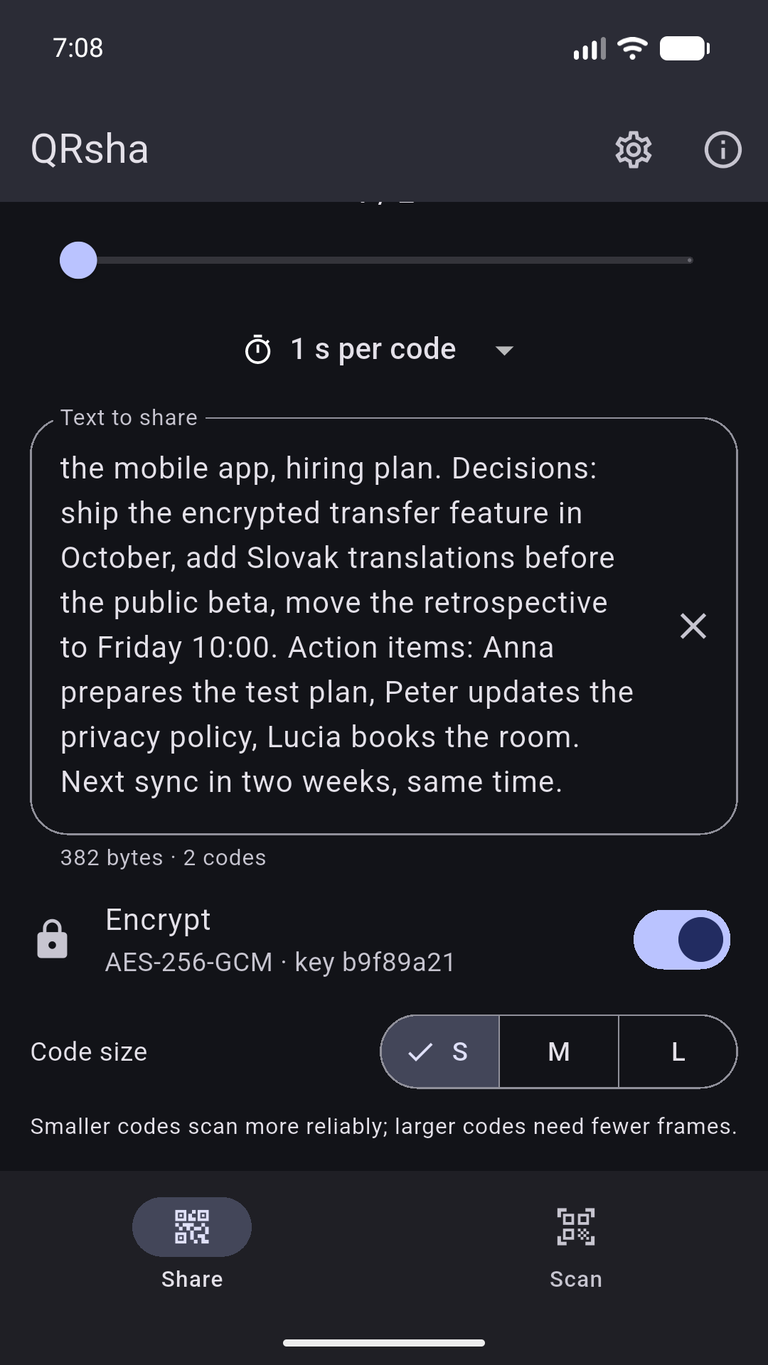
- Type or paste text; it is split into QR codes of 300, 600 or 1000 bytes each.
- Step through the codes by hand or let them play automatically (0.5–3 s per code).
- Short text that fits in one code is shown as a plain QR, readable by any scanner.
- On Android, share text into QRsha from any app via Share → QRsha.
Scan
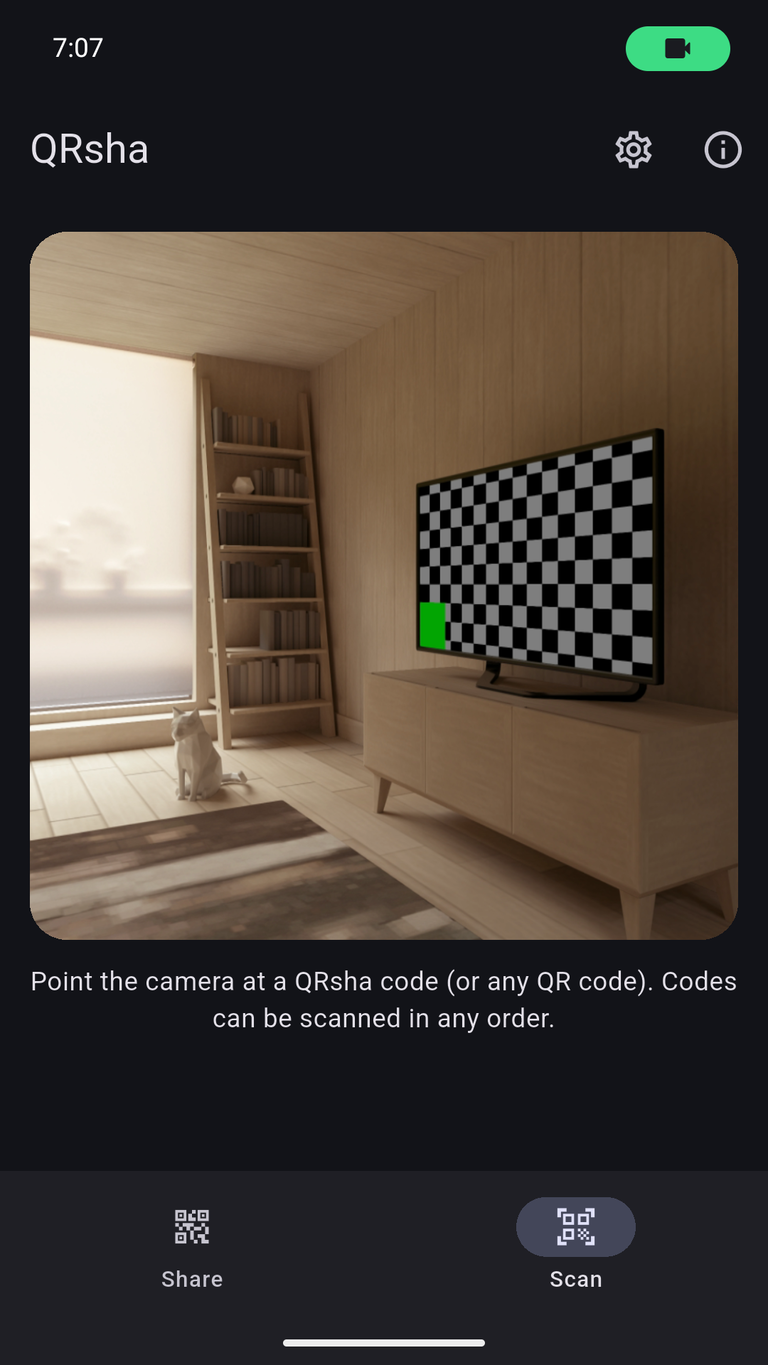
- Continuous camera scanning; multi‑code transfers can be scanned in any order.
- Repeats are ignored and missing parts are listed.
- Copy the result to the clipboard, or open a web link in your browser.
- Every transfer carries a CRC‑32 checksum; a mismatch is reported.
Encryption (optional)
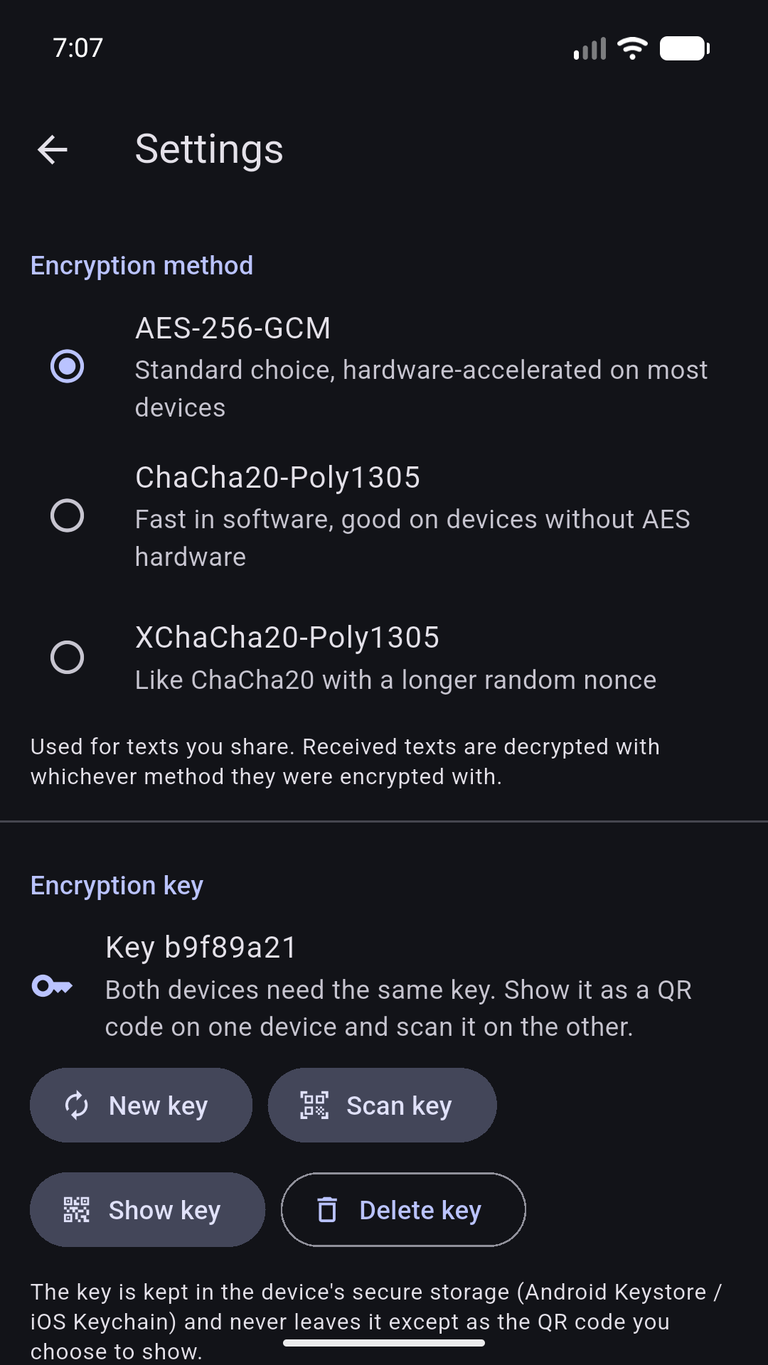
- Shared key: AES‑256‑GCM, ChaCha20‑Poly1305 or XChaCha20‑Poly1305. Create a 256‑bit key in Settings, show it as a QR code on one device and scan it on the other.
- Public‑key encryption (X25519): encrypt for a recipient. Only the recipient's device can decrypt; its private key never leaves it.
- Signatures (Ed25519): encrypted texts can carry the sender's signature, and the receiver warns about an unknown sender or a signature that does not match.
- Keys live in the Android Keystore / iOS Keychain; showing, replacing or deleting a key asks for your fingerprint, face or device PIN, and screenshots are blocked while a key is on screen.
Privacy
QRsha works fully offline – the Android app has no INTERNET permission. The camera is used only to scan QR codes, and no data is collected or sent anywhere. Read the full privacy policy.
Interested?
Questions or feedback about QRsha? Just let us know – we're here to help.