
How it looks
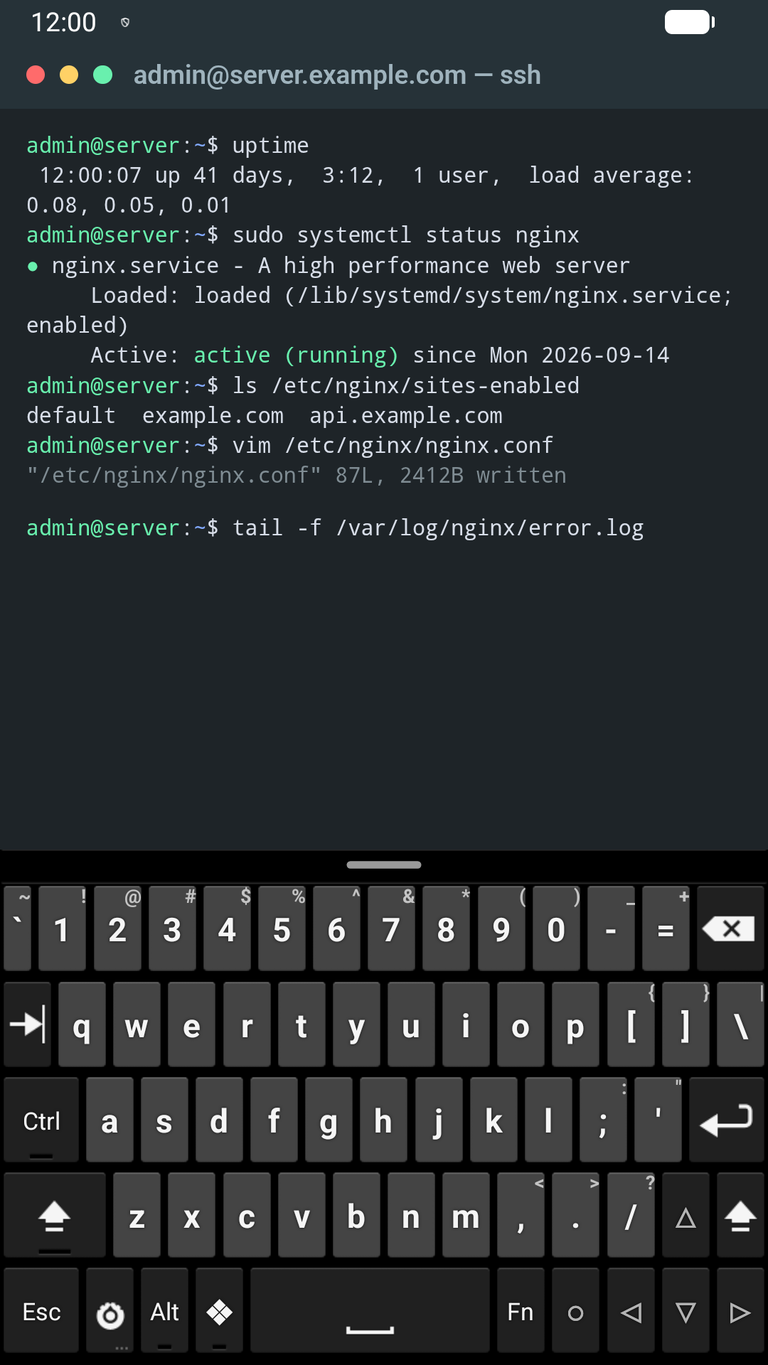
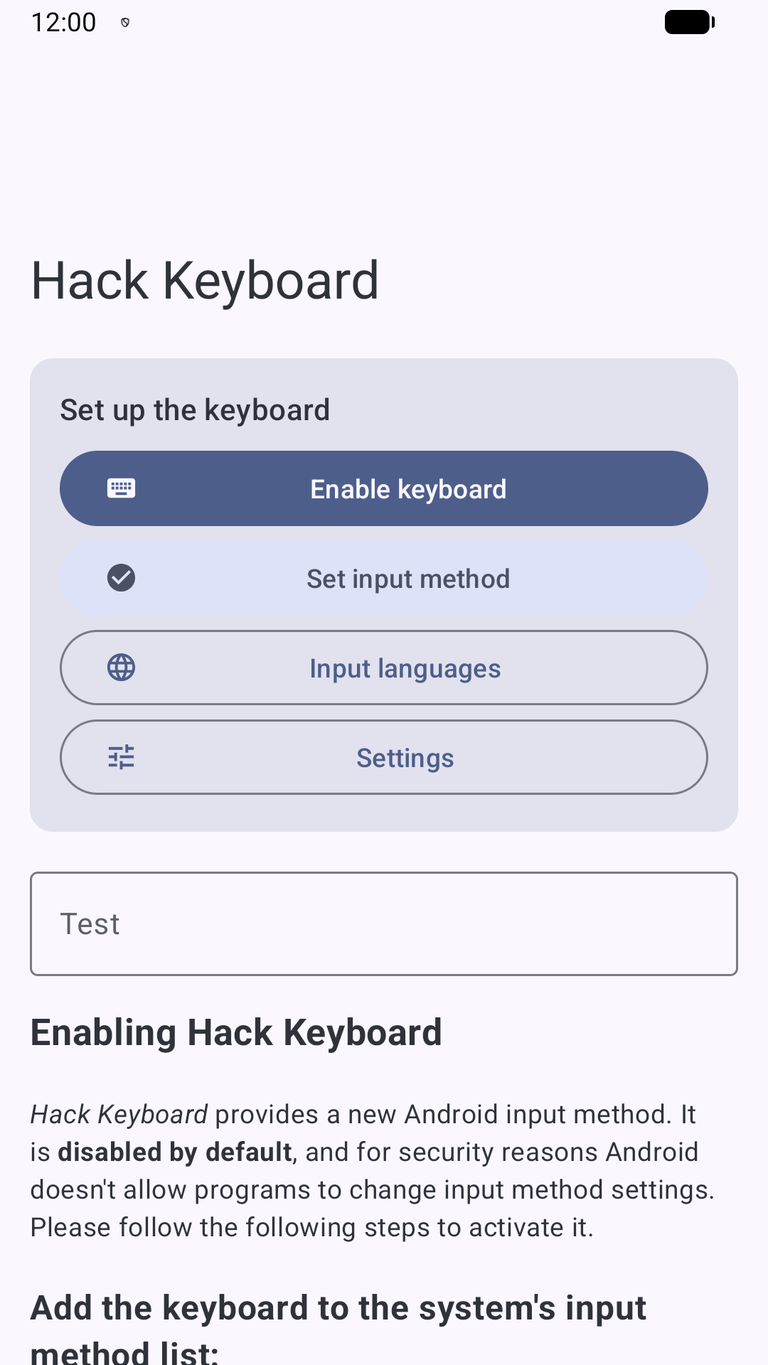
Keyboard
- PC layout with every key: function row (Esc, F1–F12, Ins, Del), number row, Tab, Caps Lock, Ctrl, Alt, Meta, arrows and an Fn layer with Home, End, PgUp and PgDn.
- Mobile layout for phones: a terminal row above the letters (Esc, Tab, Ctrl, Alt, Fn and
/ - | ~ :), an Fn page with F1–F12, Ins, Del, Home, End, PgUp, PgDn and arrows, and an optional number row and cursor row. - Custom layouts – write your own key rows in a simple text format, with templates, live preview and error checking; keep several layouts and switch between them on the keyboard.
- Backspace, Ctrl/Alt combinations, F-keys and arrows reach terminal emulators such as Termux and ConnectBot as key events.
- Long press for accents and symbols with slide-to-select; slide on the space bar to move the cursor; adjustable key gap against accidental presses.
- English, Slovak and Czech with accents and offline word suggestions; a dictionary editor to add, edit, block or delete words.
- Clipboard chip in the suggestion strip and a clipboard history with pinning.
- Number, phone, email and password fields get a suitable layout and behaviour.
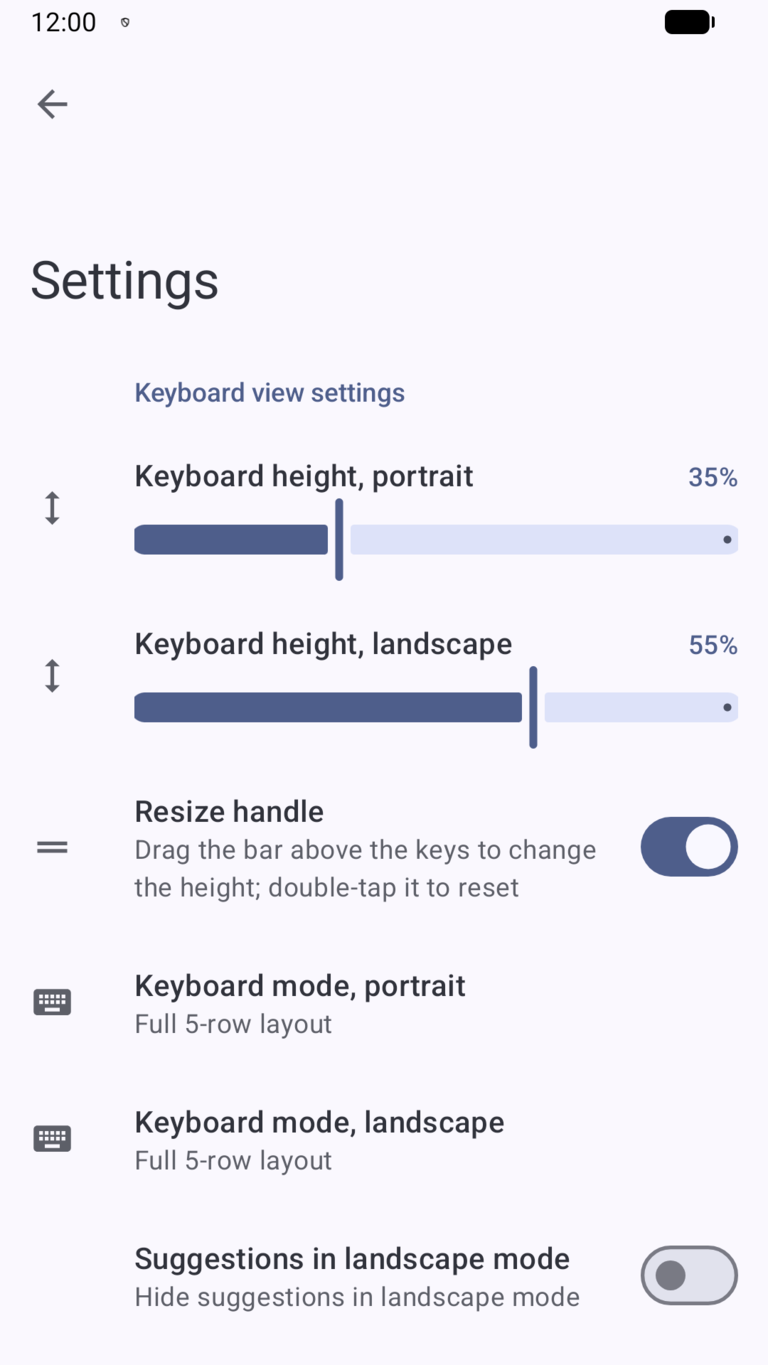
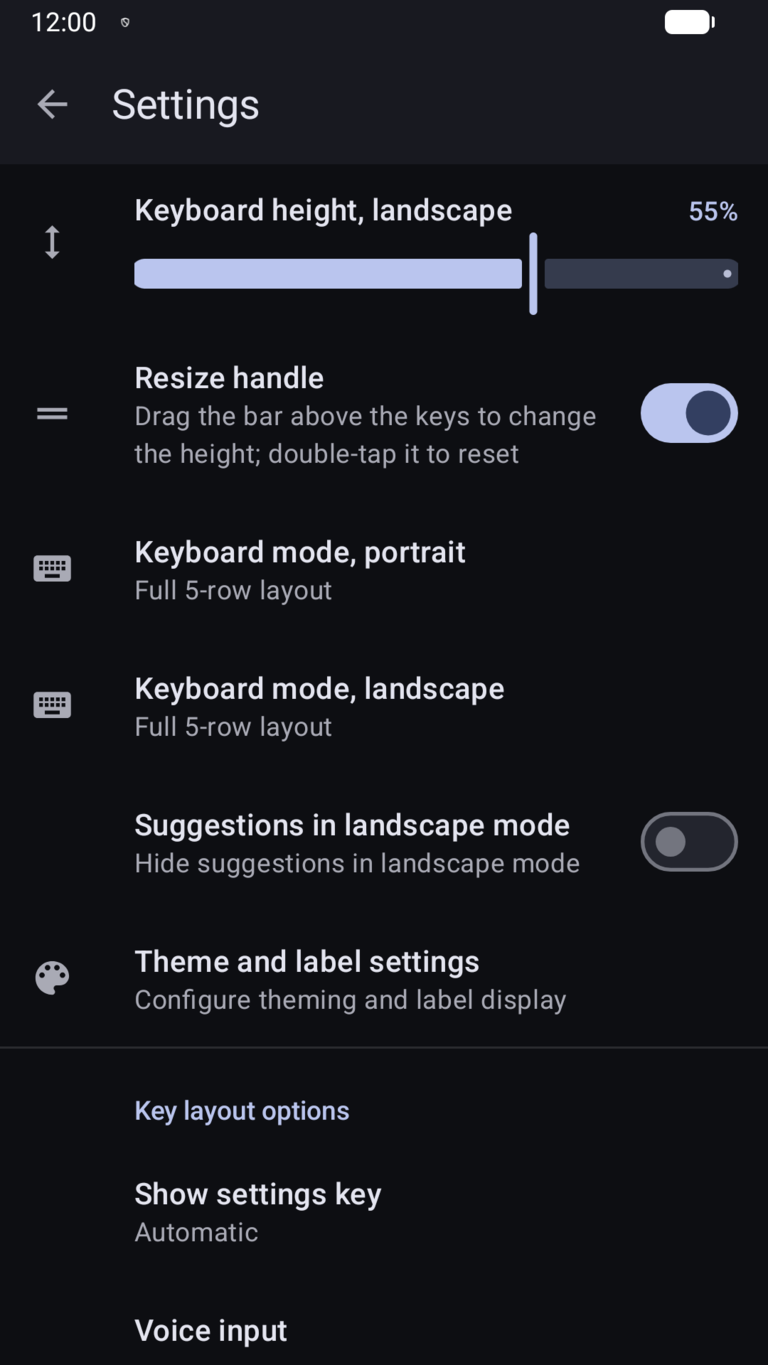
- Material 3 design with light and dark theme; detailed settings for key height, labels, vibration, sound and long-press delay.
Written from scratch
Hack Keyboard was inspired by Hacker's Keyboard by Klaus Weidner, which is no longer maintained. Versions 1.x of our app were a fork of that project. For version 2.0 we decided to write the whole keyboard again from scratch in Kotlin: it contains no code from Hacker's Keyboard or from the AOSP keyboard. It is not affiliated with or endorsed by the original author.
- A new, simpler codebase with no native code; Android 7.0 and newer, targeting the latest Android SDK.
- Version 2 updates an installed 1.x app in place and the keyboard stays enabled.
- Licensed under Apache 2.0; the list of all bundled components is in the app settings.
- Automated builds, tests and signed releases.
Privacy
Hack Keyboard has no internet access – the app does not request the INTERNET permission – and contains no ads, analytics, crash reporting or telemetry. What you type, learned words and the clipboard history stay on the device and are excluded from backups. Read the full privacy policy.
Interested?
Questions, bug reports or feedback about Hack Keyboard? Just let us know – we're here to help.