How it looks
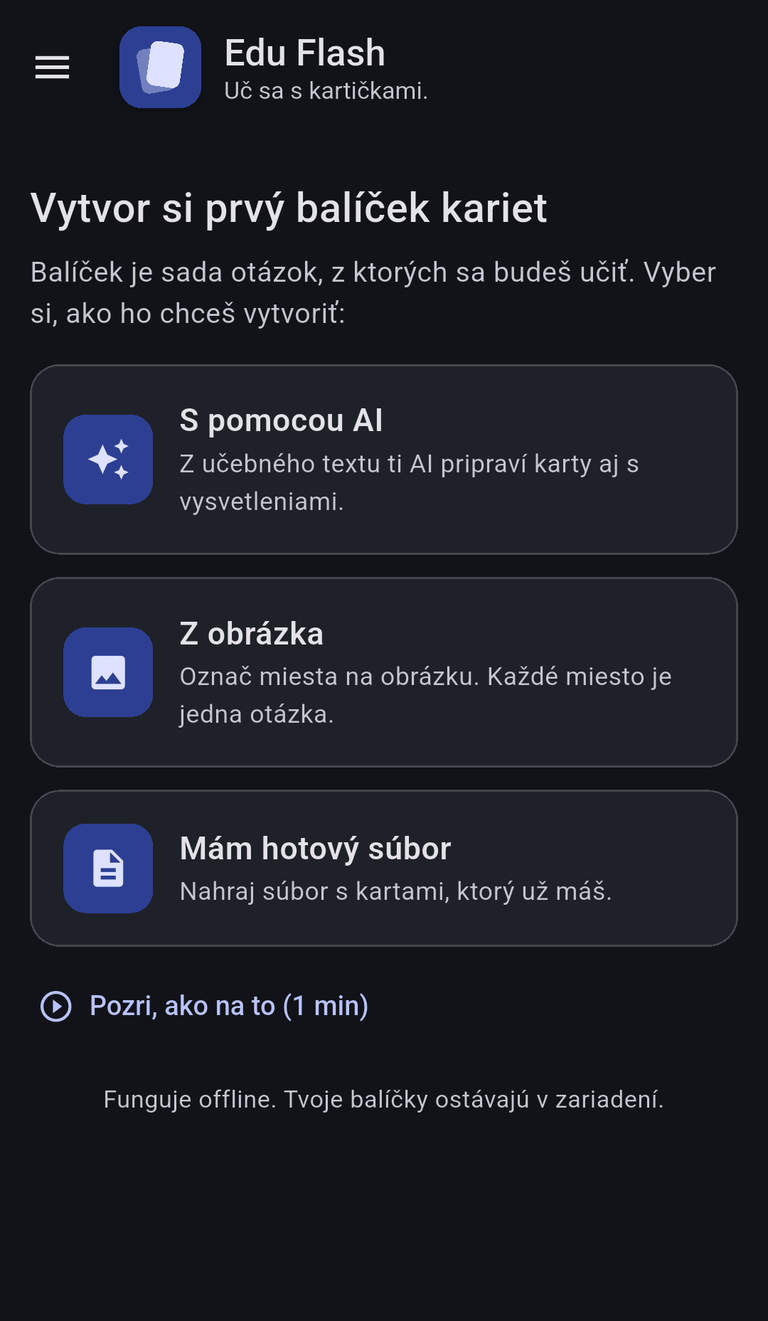
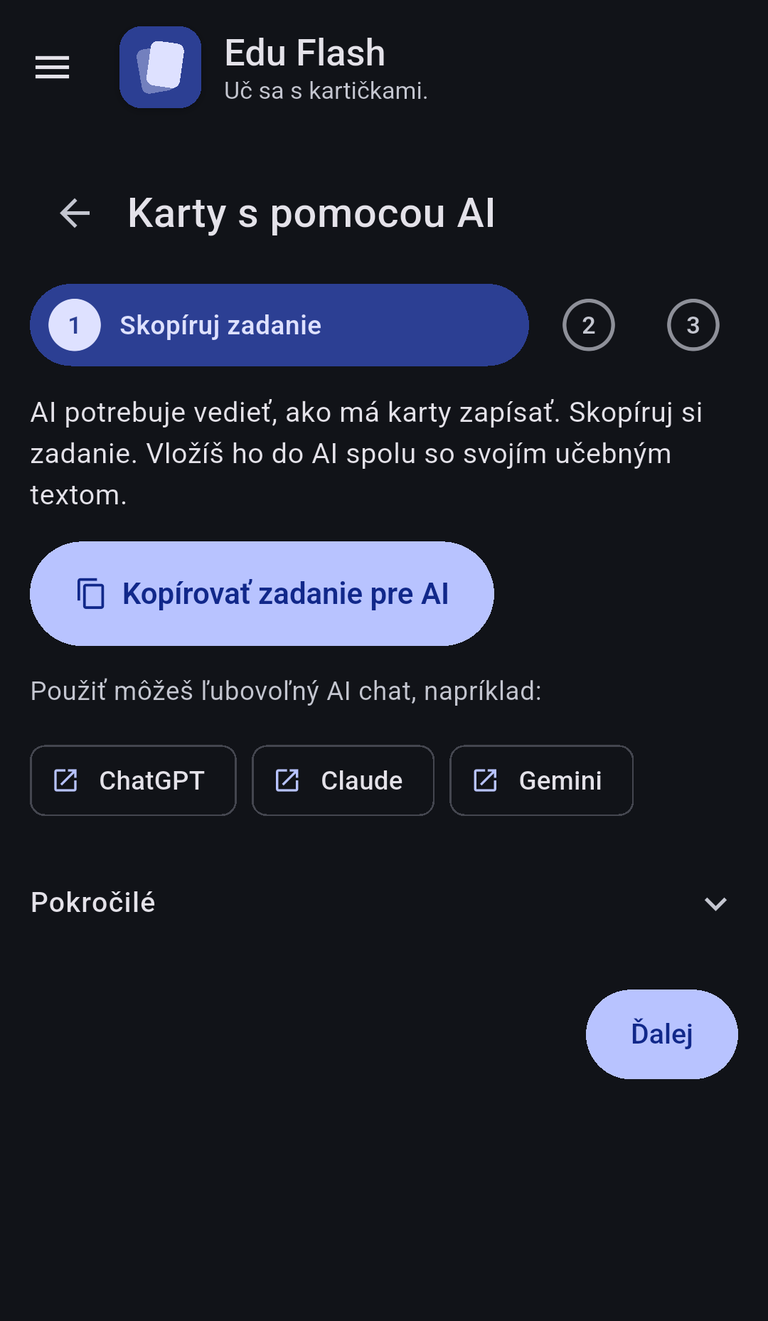
Making cards
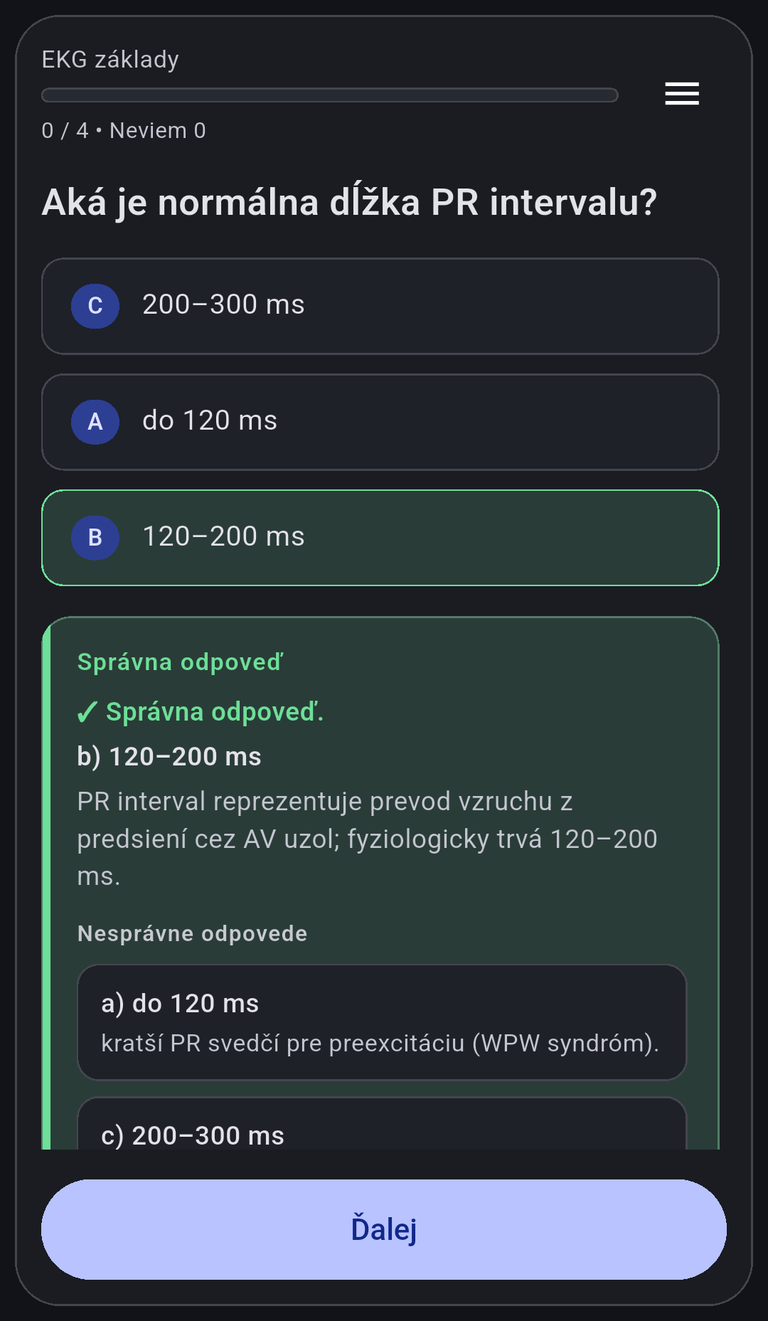
- With AI – copy the brief, paste it with your study text into ChatGPT, Claude, Gemini or any other AI chat, and paste the answer back. It becomes a deck, with explanations of the right and wrong answers.
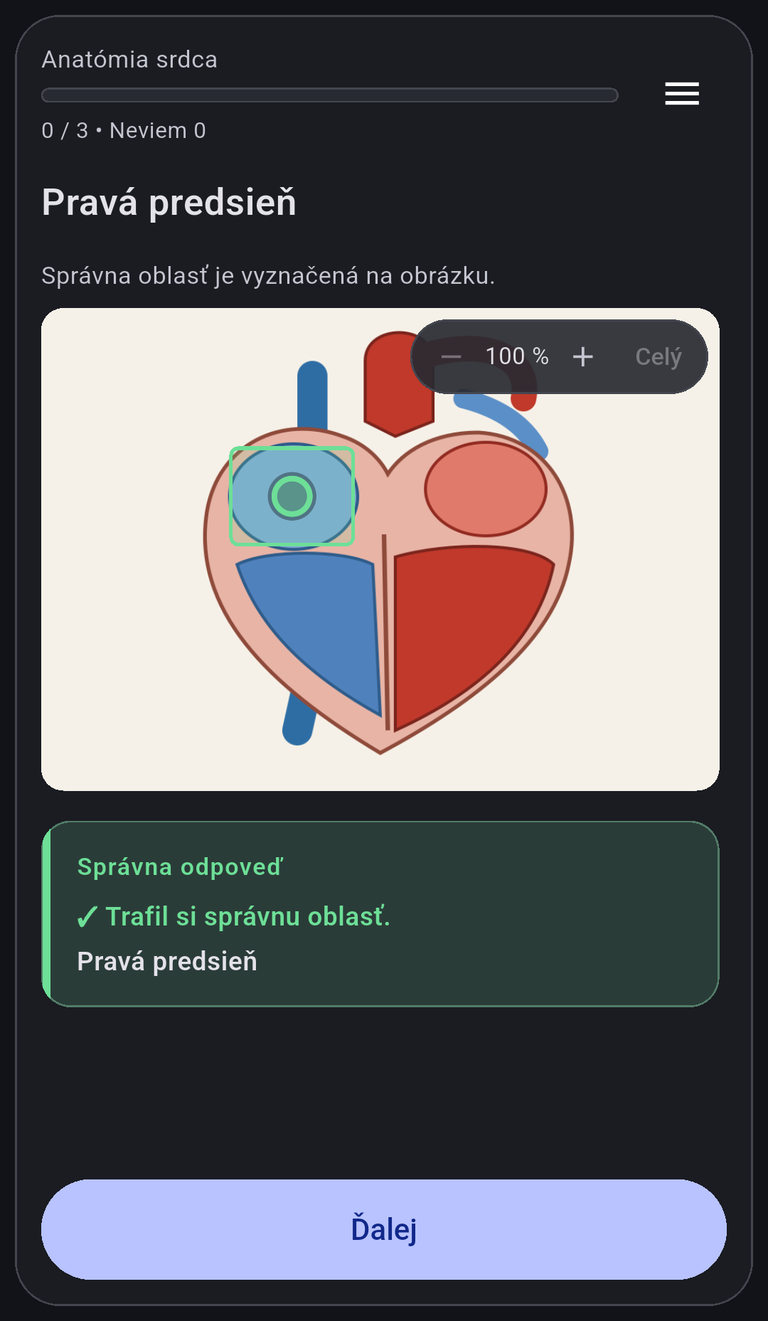
- From a picture – take or pick a picture, drag a rectangle around each spot and name it. Every spot is one question.
- From a file – load a CSV or Markdown file. A Markdown file can be a regular study document with the cards embedded in it, so one file serves for reading and for practice.
Learning
- Pick an answer or flip the card, then mark it I know or I don't know; cards you don't know come back at the end of the round.
- Shuffle questions, hide the options, or limit the round to the cards you have seen least.
- Short animated guides inside the app show each step.
- Works offline, in light and dark theme.
Privacy
Decks and progress are stored only on your device. Only with your consent, the app sends a short usage record after each round – field of study, display type, deck name, study time and a random client ID – so the app can be evaluated. No account and no personal data are needed. Read the full privacy policy.
Interested?
Want to use Edu Flash in your course, or have questions or feedback? Just let us know – we're here to help.